Themes
Food blog themes, designed around your recipes
Every Crumb website starts with a finished theme rather than a blank template. Each one sets its own layout, type and color, and every one is built for the tall photos and long ingredient lists real recipes have. All four are included, and you can switch whenever you like without touching a recipe.
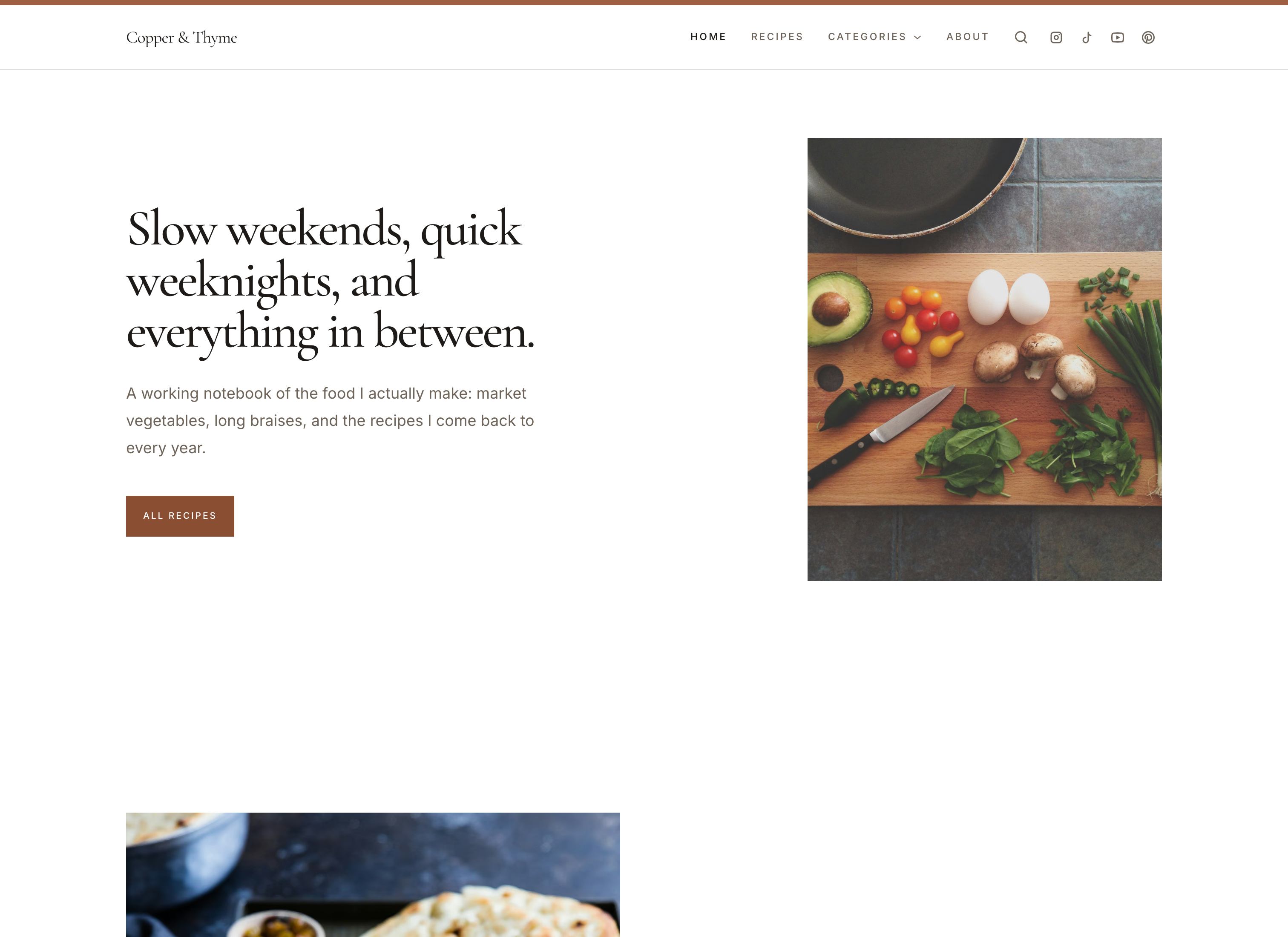
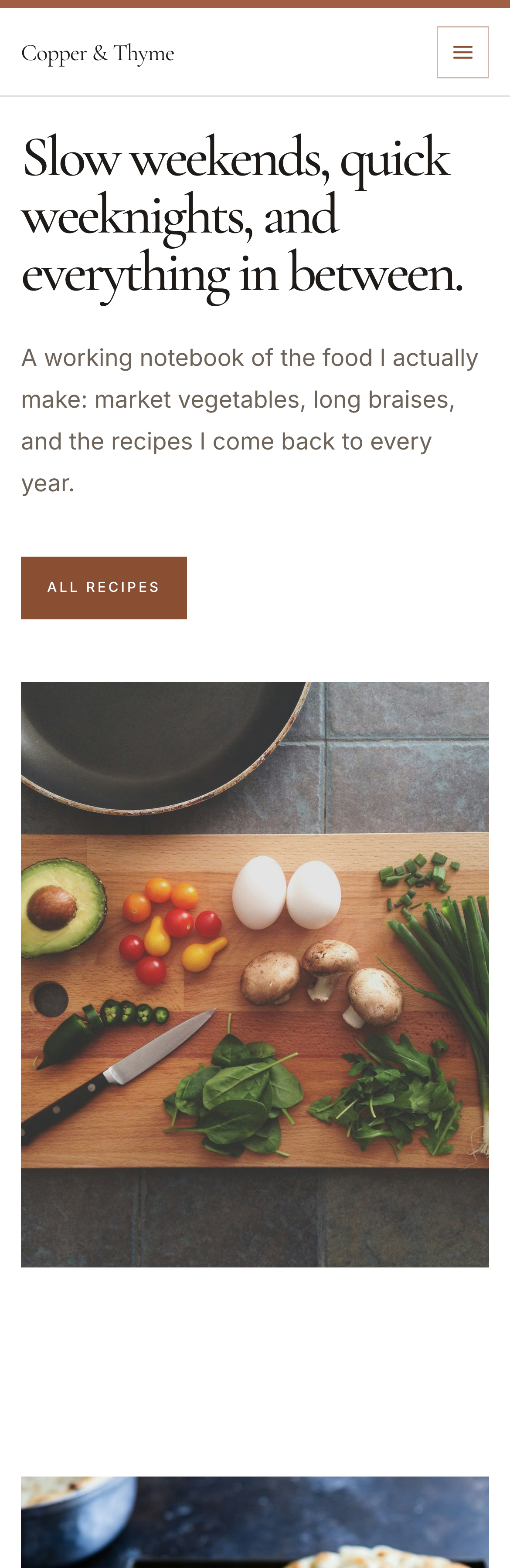
Vanilla
A clean, minimal food blog theme
Crumb's default theme. A clean white canvas, a warm serif display face and generous spacing keep the page calm, so your food photography carries it.
See the Vanilla theme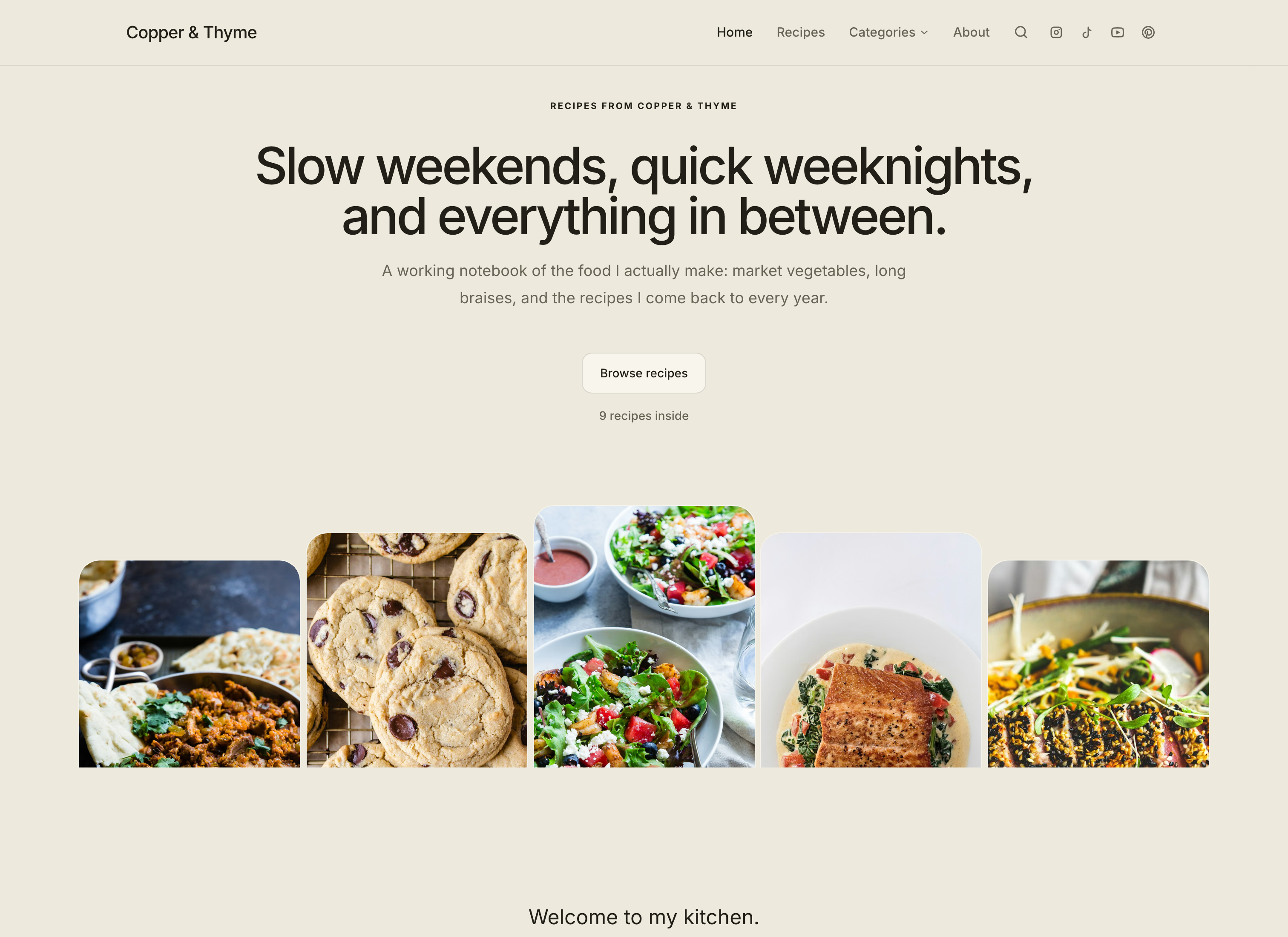
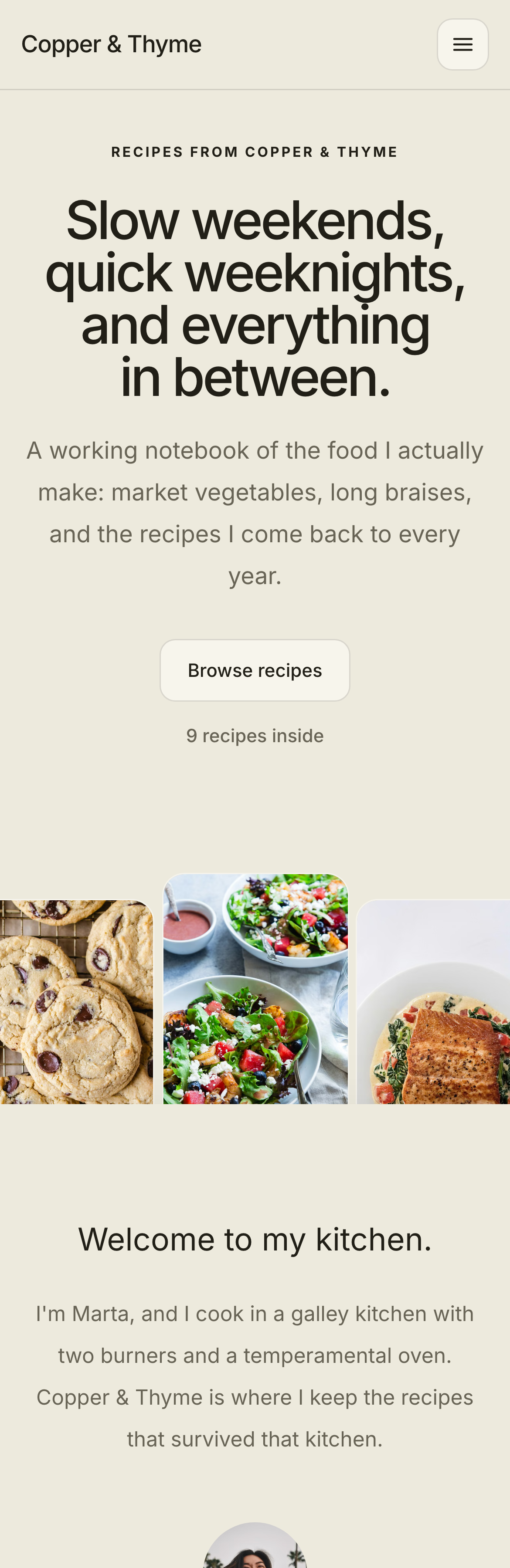
Original
A soft, friendly recipe website theme
The design every Crumb website started on: a warm parchment palette, soft rounded corners and a friendly, familiar layout.
See the Original theme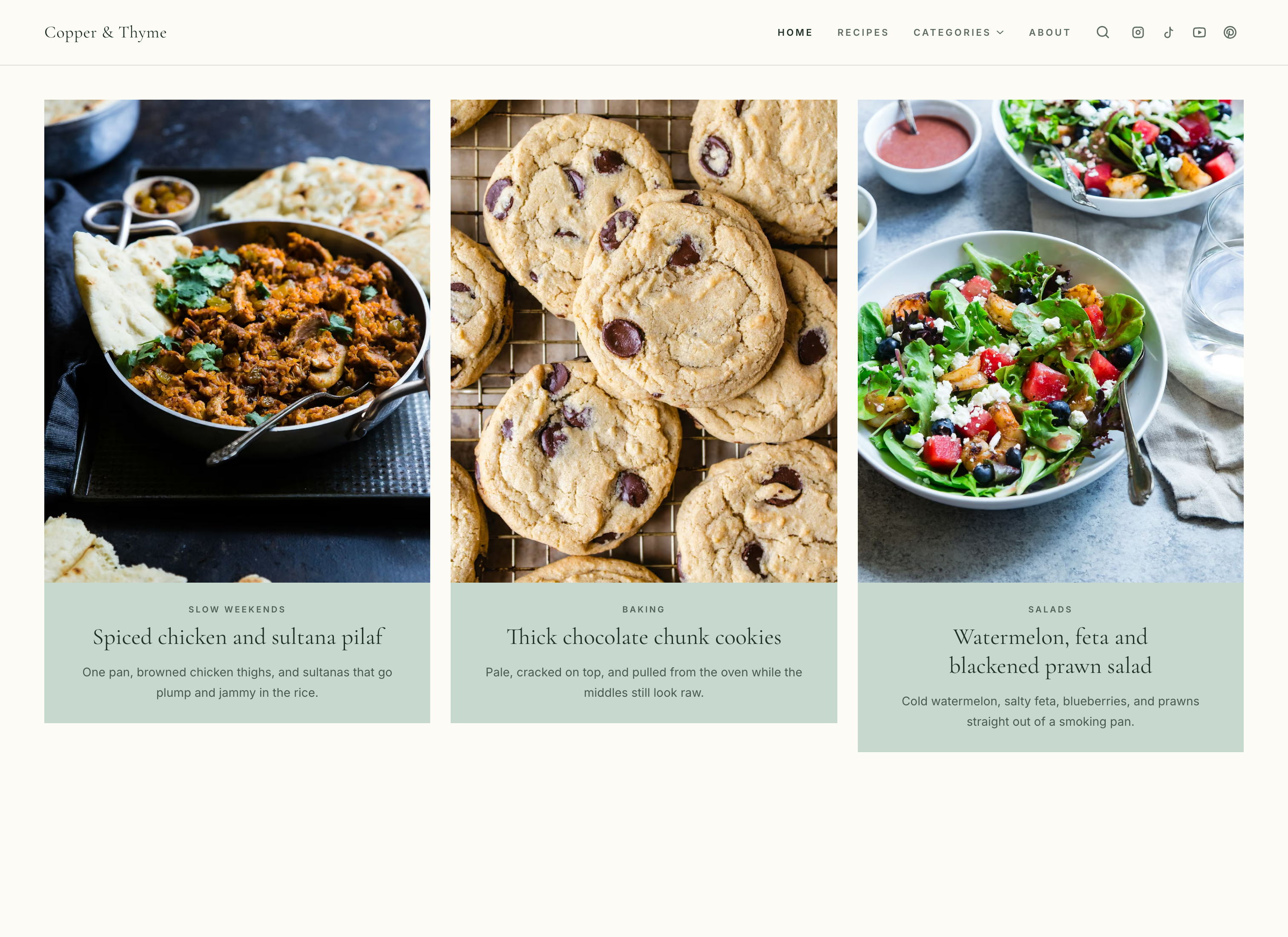
Basil
A recipe journal theme for food blogs
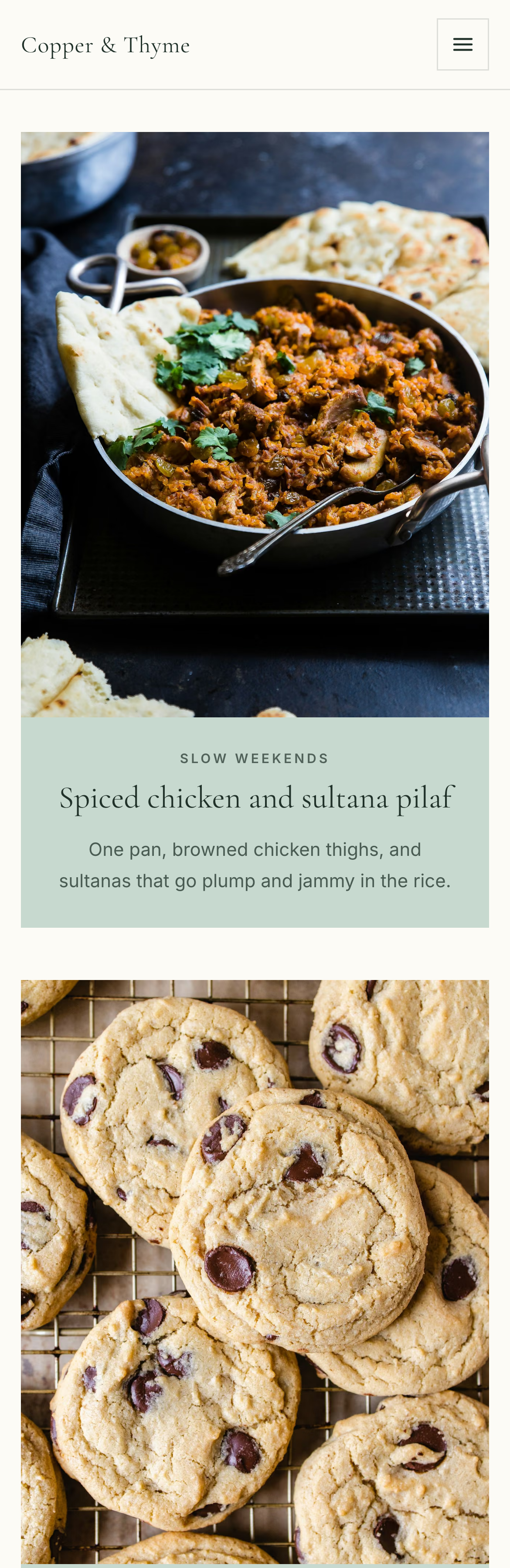
Basil pairs tall food photography, soft herb-green panels and elegant serif type in a spacious, column-led theme made for visual recipe collections.
See the Basil theme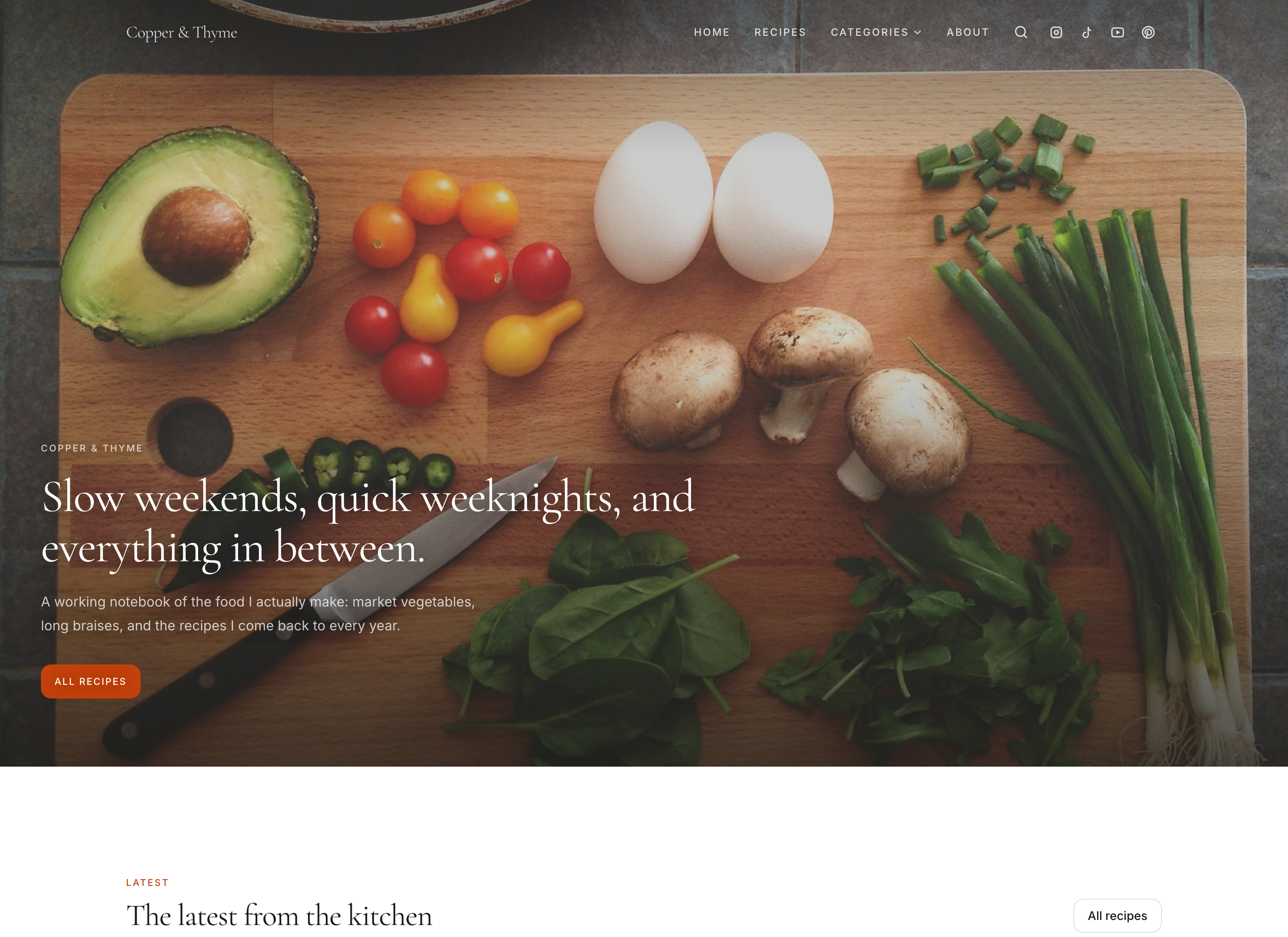
Mandarin
A photo-first food blog theme
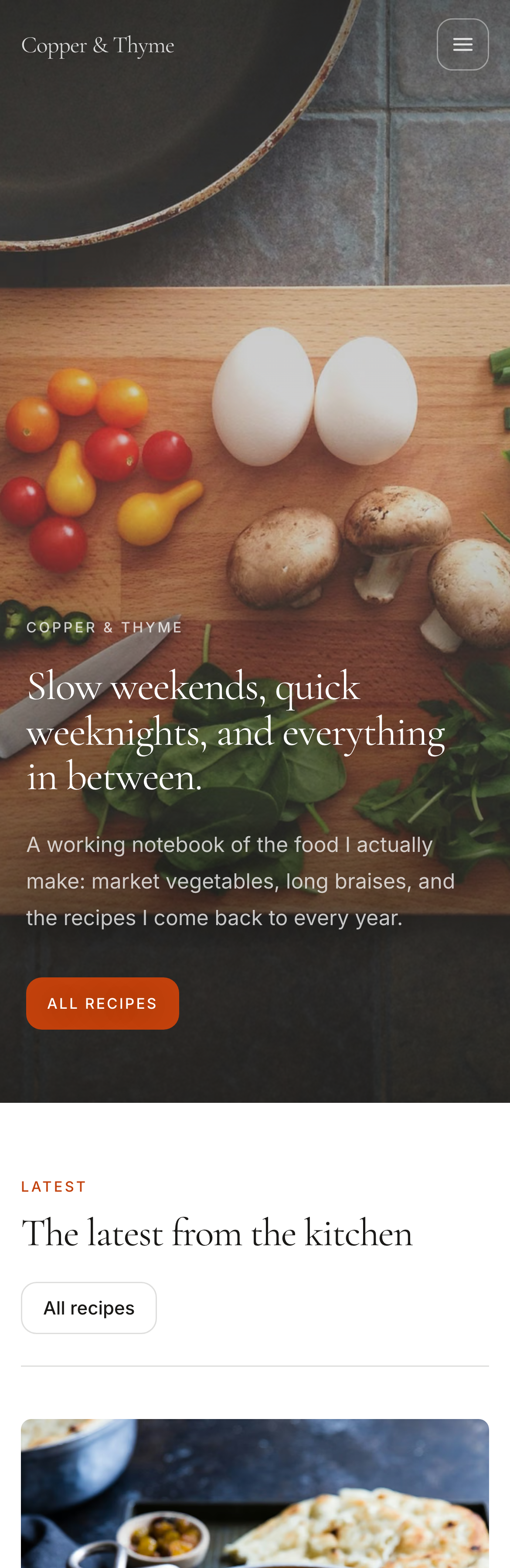
Mandarin opens on a single full-screen photograph, then keeps the page white and calm: tall image frames, restrained type, and a deep orange used only for labels and buttons.
See the Mandarin themeWhich theme fits your recipes?
- Choose Vanilla if you want a calm, finished design with nothing to configure.
- Choose Original if you like soft, rounded shapes and a warm parchment background.
- Choose Basil if your recipes come with a short story or introduction.
- Choose Mandarin if one strong photograph should be the first thing readers see.
Still torn? Open your longest recipe in two of them and look at it on your phone. The one you can cook from without zooming is usually the answer.
What every theme includes
Themes change how your website looks. The tools your readers cook with stay the same, so you can choose on design alone.
Recipe pages built for cooking
An ingredient list, numbered steps, serving scaling, a print view, and a cook mode that keeps the screen awake in browsers that support it.
- Recipe structured data
Every recipe page carries the Recipe information Google reads, whichever theme you choose.
- Categories, search and pages
Category pages, recipe search, an About page and any pages you add, all styled by the theme.
- Newsletter signup
A signup section you can add to any page, in the theme's own colors and type.
- A link-in-bio page
Your /links page for Instagram and TikTok uses the same theme as your website.
- Your own domain
Connect a domain you own with Crumb Pro. Every website also has a crumb.so address.
Changing theme is not a migration
Your recipes and categories are stored separately from the design, so switching theme redraws the website you already have. You can save a draft, look at it, and publish only when you're happy. Your live website stays as it is until you do. How to change your theme.
Questions about themes
Do Crumb themes cost extra?
No. Every theme is included, and there are no premium themes to buy. Building and previewing your website is free. New creators who sign up directly get their first 30 days public free, then Crumb Pro is $15 USD a month to stay public.
Can I switch themes later without losing my recipes?
Yes. Your recipes, categories and pages are stored separately from the design, so a new theme redraws the website you already have. Changes save as a draft, and readers see nothing new until you publish them.
Can I change a theme's colors and fonts?
Yes. Every theme lets you change its colors, choose from five font pairings and set how round the corners are. Vanilla also lets you add your own logo to the header, and Vanilla and Mandarin let you choose the photo your homepage opens on. Crumb won't publish a text color that's hard to read against its background.
Will my Instagram photos fit?
The themes are designed for the tall photos most recipe creators post, and every image is resized and cropped to its frame for you, so you never prepare separate versions. Keep the dish near the middle of the shot and it will survive every crop.
Do the themes work on phones?
Yes. Every theme adapts to phones, tablets and laptops, and the recipe page is designed for cooking from a phone: a clear ingredient list, numbered steps, serving scaling, printing and cook mode.
Can I add custom code or build my own theme?
No. You can't add custom code or plugins, or rebuild a layout from scratch. In return there's nothing to install, update or keep running. If you need full control over every template, a platform like WordPress is a better fit.
Before you choose
- How to create a recipe website
Most guides assume you're starting from zero. You're not: you have the recipes, the photos and people asking for them. Here's how to create a recipe website from there, what the WordPress route really costs in money and evenings, and whether you can do it for free.
- The best recipe website builders, compared
WordPress, Crumb, Ghost, Wix or Squarespace? The best website builder for recipes depends on ads, memberships and how much fiddling you can stand. Here's who should pick what.
- How to change your theme, colors and fonts
Why you can see a recipe your readers can't, how to go public (and private again), and what you can change in the design editor and Settings.
Try every theme on your own recipes
Build and preview your website free, with every theme. New creators get their first 30 days public free, then it's $15 USD a month to stay public.