MandarinA photo-first food blog theme
Mandarin opens on a single full-screen photograph, then keeps the page white and calm: tall image frames, restrained type, and a deep orange used only for labels and buttons.
About Mandarin
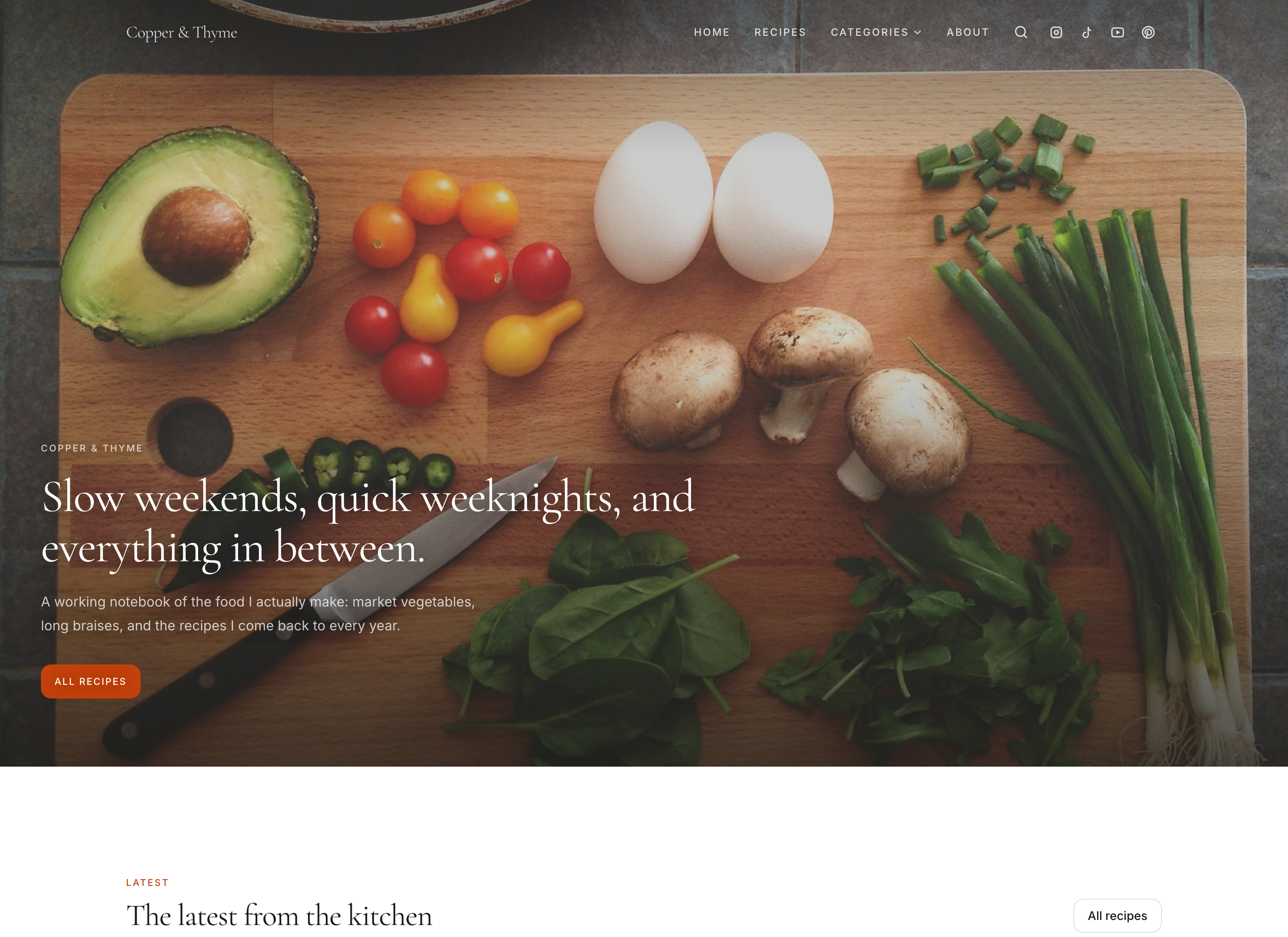
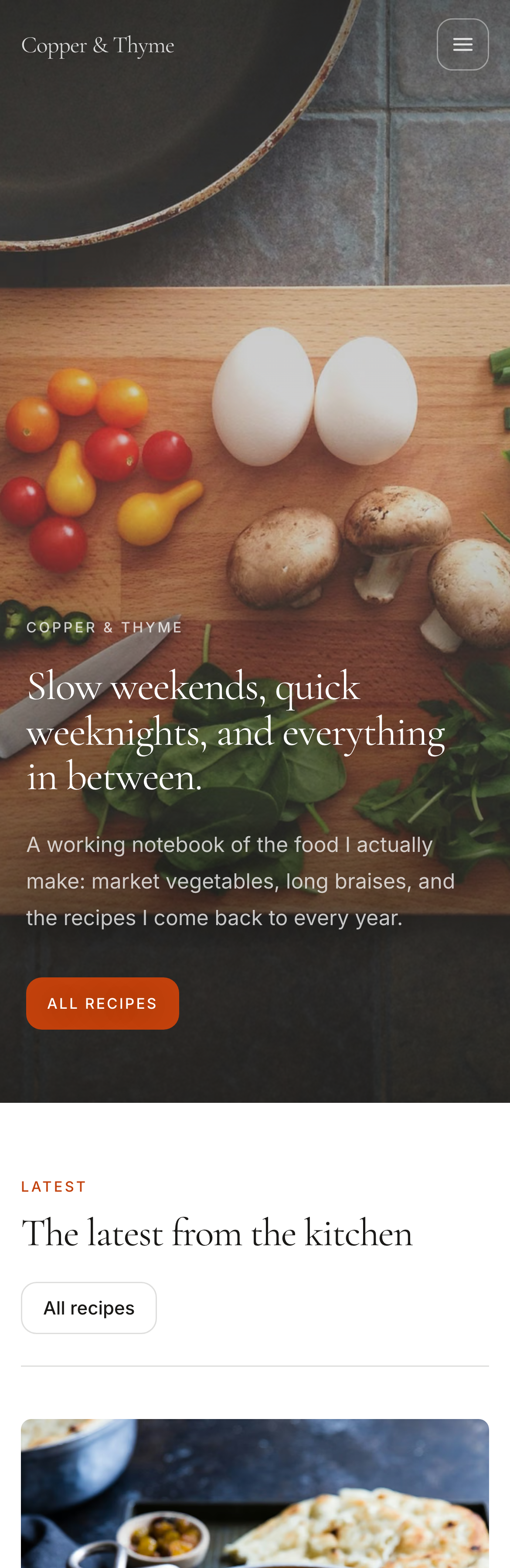
Mandarin is for creators whose photography can carry a page on its own. The homepage opens on one image at full height, with the title set over it and the header resting on top, so a reader sees the food before they read a word.
Everything below is deliberately quiet: a white canvas, warm off-white bands, hairline rules, and calm grids of tall image frames with a short title beneath each. Type stays at a modest scale and is never set over a photograph again.
One deep mandarin orange does all of the coloring. It carries the small uppercase labels and every button and appears nowhere else, which keeps the page warm without competing with the food.
What defines it
- Full-screen opening
- One photograph fills the first screen, with the header over it until a reader scrolls.
- Tall image frames
- Portrait frames throughout suit photos imported from Instagram, and every image is cropped to fit for you.
- One warm accent
- A deep mandarin orange carries every label and button, and nothing else is colored.
Who Mandarin suits
- Creators with one strong, wide image to open on
- Websites that want a gallery feel rather than a feed
- Anyone who prefers restraint with one warm accent
Make Mandarin yours
Every setting below is in the design editor, and none of them touches your recipes.
- Five colors
- Accent: the single color on the page: buttons, labels, and fine details.
- Text: headings and body copy.
- Page background: the white canvas the photography sits on.
- Card background: cards and raised surfaces.
- Section background: the quiet bands behind the creator introduction and newsletter.
- Five font pairings
- Clean sans, Quiet serif, Literary serif, Modern editorial, Warm serif.
- Corners
- Square, soft or round, for cards, photos and buttons alike.
- Your own images
- Choose the photo your homepage opens on.
A recipe page in Mandarin
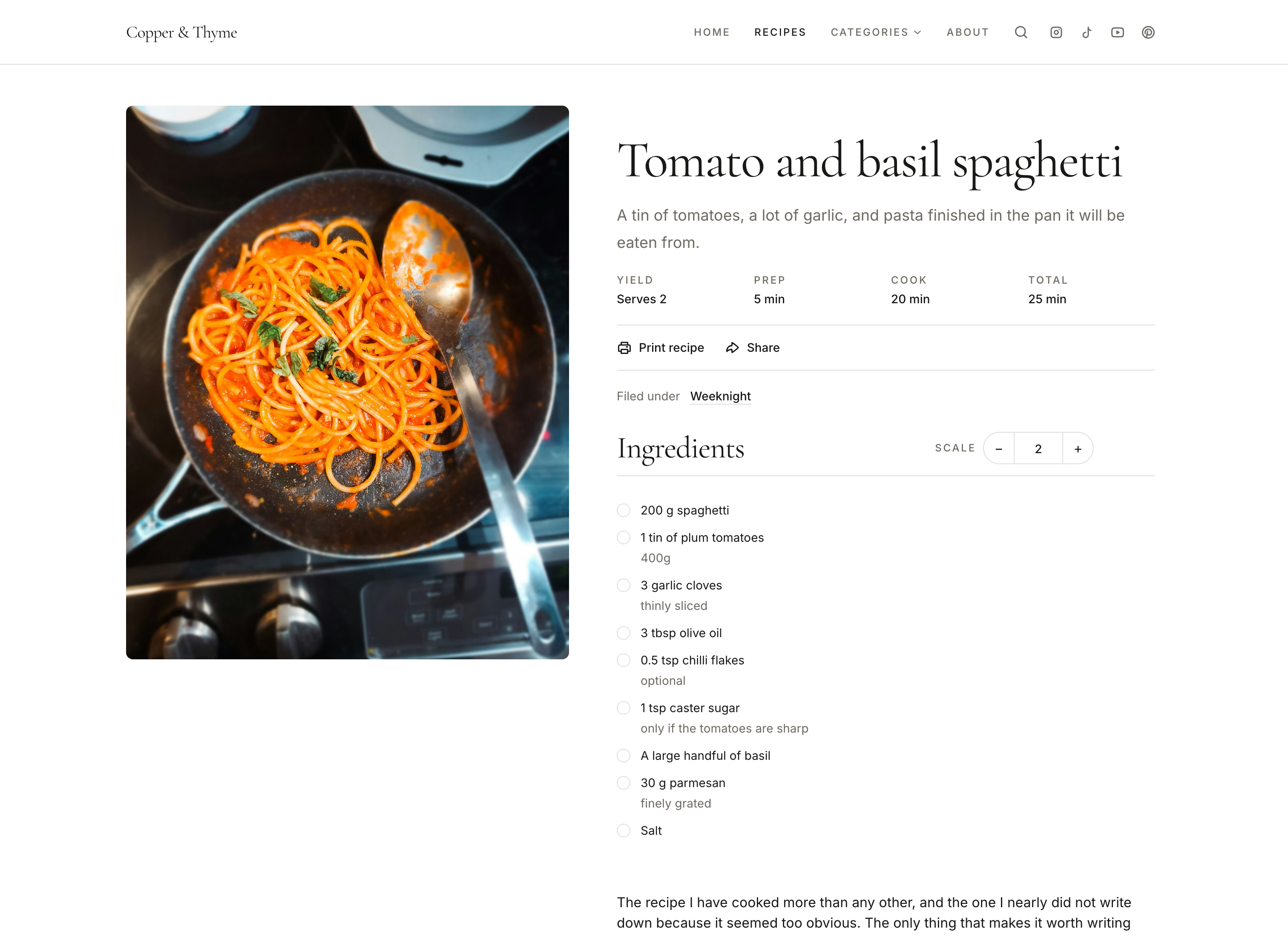
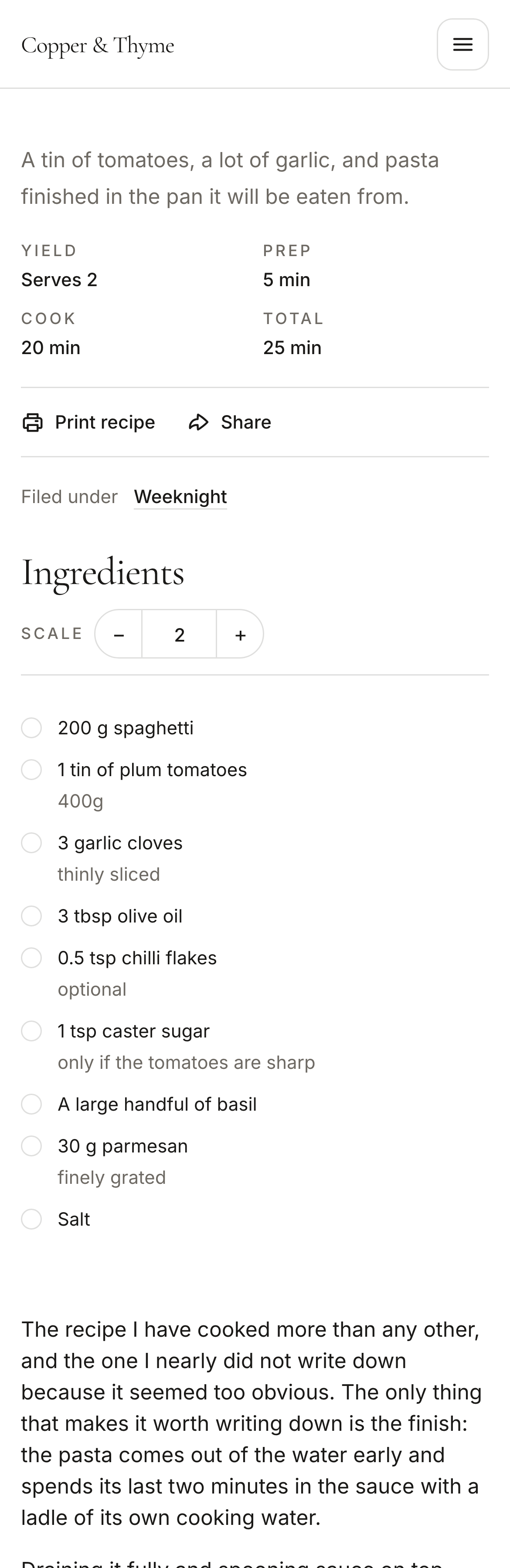
This is the page your readers cook from, with the ingredient list, numbered steps, serving scaling, printing and cook mode.
Mandarin compared with the other themes
Included with Mandarin and every other theme
Themes change how your website looks. The tools your readers cook with stay the same, so you can choose on design alone.
Recipe pages built for cooking
An ingredient list, numbered steps, serving scaling, a print view, and a cook mode that keeps the screen awake in browsers that support it.
- Recipe structured data
Every recipe page carries the Recipe information Google reads, whichever theme you choose.
- Categories, search and pages
Category pages, recipe search, an About page and any pages you add, all styled by the theme.
- Newsletter signup
A signup section you can add to any page, in the theme's own colors and type.
- A link-in-bio page
Your /links page for Instagram and TikTok uses the same theme as your website.
- Your own domain
Connect a domain you own with Crumb Pro. Every website also has a crumb.so address.
Questions about Mandarin
What photo works best for Mandarin's opening screen?
A strong shot with the dish near the middle. It fills the whole first screen, so it's cropped differently on a laptop and a phone. You choose the cover photo yourself in the design editor.
Can I change Mandarin's colors and fonts?
Yes. You can set Mandarin's accent, text, page background, card background and section background colors, choose from five font pairings, and pick square, soft or round corners. You can also choose the photo your homepage opens on. Your recipes aren't affected by any of it.
Can I try Mandarin without changing my live website?
Yes. Choose Mandarin in the design editor and your changes save as a draft. Your live website stays as it is until you publish, and you can switch back to your current theme at any time.
Before you choose
- How to create a recipe website
Most guides assume you're starting from zero. You're not: you have the recipes, the photos and people asking for them. Here's how to create a recipe website from there, what the WordPress route really costs in money and evenings, and whether you can do it for free.
- The best recipe website builders, compared
WordPress, Crumb, Ghost, Wix or Squarespace? The best website builder for recipes depends on ads, memberships and how much fiddling you can stand. Here's who should pick what.
- How to change your theme, colors and fonts
Why you can see a recipe your readers can't, how to go public (and private again), and what you can change in the design editor and Settings.
Try Mandarin with your own recipes
Build and preview your website free, and switch between themes as often as you like. Your recipes stay exactly where they are.